
You already track your property management hours. You just don't know it yet.You already track your hours. You just don't know it.
Every email to a contractor, every drive to a property, every call with a tenant. That's deductible time. RE:Writeoff gives you four ways to capture it.
Inbox Auto-Scan
We find it for you
CC & Forward
From any email provider
Manual Entry
Log it yourself
Voice Note
Say it, we log it
01
Auto-fetch from your inbox
You already did the work. Let us find it.
Connect Gmail, Outlook, iCloud, or Yahoo and we pull every property-related email automatically. Maintenance requests, tenant messages, vendor invoices, insurance notices. Hours you already spent, documented without lifting a finger.
- Works with Gmail, Outlook, iCloud, Yahoo, Fastmail, or any IMAP inbox
- Read-only access. We never send, delete, or modify your emails
- First scan covers the current tax year, so nothing from January gets lost
- After that, only new messages sync (no duplicate work)
Best for: investors who manage primarily through email
02
CC or forward emails
When you'd rather not connect an inbox at all.
CC your dedicated RE:Writeoff address on emails as you send them. That's it — zero extra steps. Forgot? Forward it later. We handle duplicates automatically, so you'll never double-count.
- Each portfolio gets a unique address: [email protected]
- Works with any email provider: Gmail, Outlook, Yahoo, anything
- CC while you work, or forward after the fact — both work
- Duplicates are detected and merged automatically. CC and forward the same email? No problem
Best for: investors who want selective capture or prefer not to share credentials
03
Quick log in the app
Thirty seconds now saves hours at tax time.
Drove to a property? Took a call with your contractor? Open the app and log it. No email needed, just what you did, how long, and which property. Those in-person hours count too.

- Structured entry: activity type, property, duration, notes
- Entries are classified and time-stamped just like email-sourced activities
Best for: in-person activities that don't generate emails
From here, we take over
However an activity gets in (email, forward, or quick log), the same thing happens next.
We sort it for you
Every activity, whether from auto-fetch, CC, forwarded email, or a quick log, gets categorized by IRS activity type. Repairs, tenant screening, bookkeeping, travel. You review and adjust; we do the sorting.
Your receipts, stored and linked
The original emails, attachments, and notes are stored encrypted and tied to each activity. If the IRS ever asks "prove it," you hand over a file, not a shoebox.
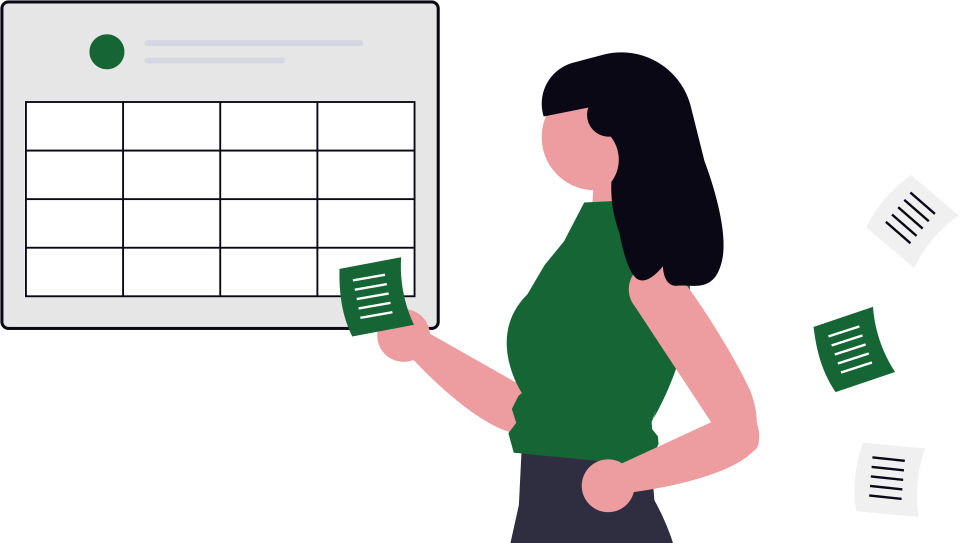
Watch your hours add up
Each activity gets a time estimate. Your dashboard tracks progress toward the 750-hour threshold in real time. When your CPA asks for a summary, you export it in seconds.
Only 79 days left in the 2026 tax year.
Every undocumented hour is a deduction you can’t claim. Start tracking now.
Start capturing. See what you've been missing.
Most people start with auto-fetch. It takes two minutes. First qualifying activities appear within five minutes. Forwarding and manual logging are there whenever you need them.